
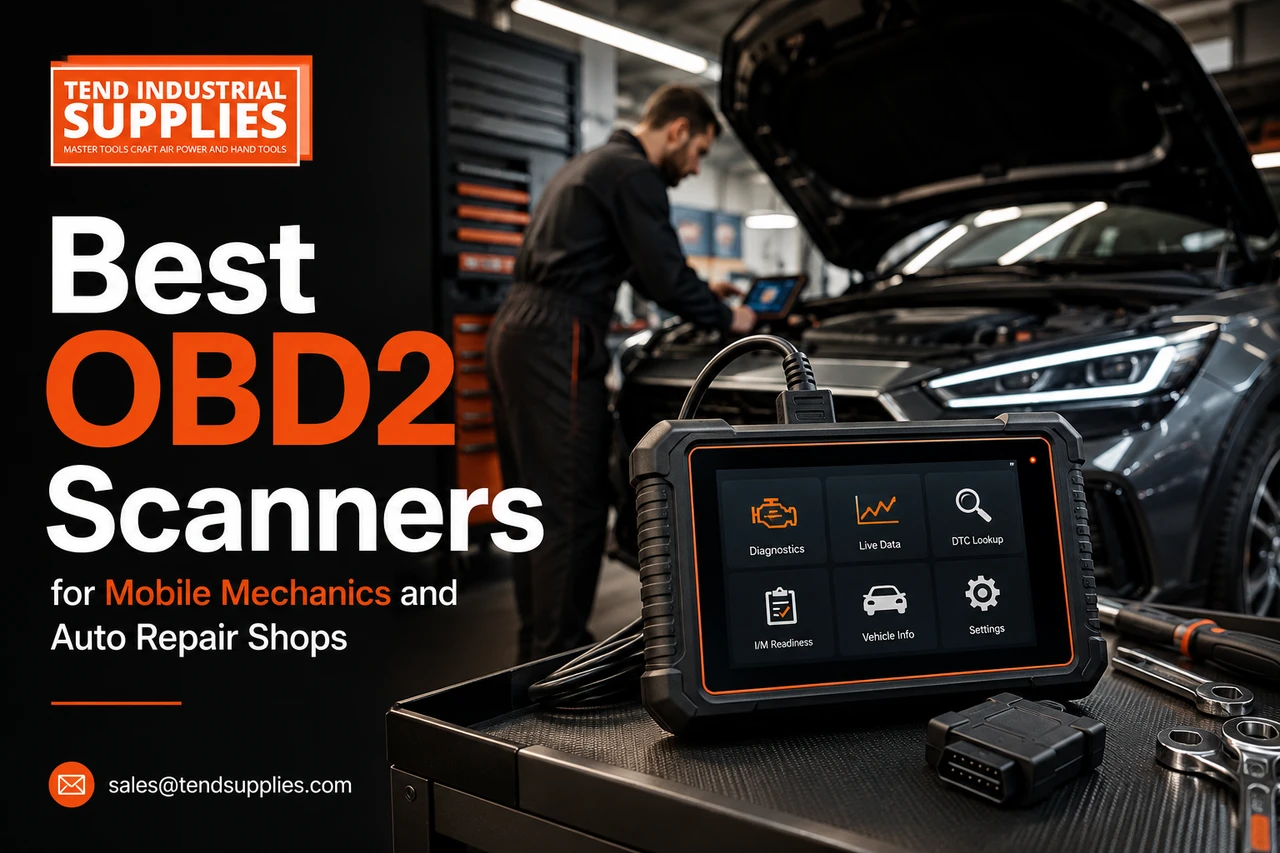
Best OBD2 Scanners for Mobile Mechanics and Auto Repair Shops in 2026

Last verified: July 30, 2026
Author: TendIndustrial Support Team
Quick answer: A mobile mechanic should buy the smallest scanner that reliably covers the vehicles and functions in the service menu. A repair shop should choose a dedicated professional tablet with broad module coverage, bi directional tests, service functions and documented software costs. Do not buy by screen size or the number of advertised resets alone.
Buyer action: Before ordering, send Tend Industrial Supplies the vehicle makes, model years and five most important functions your business needs. Request compatibility help.
What Professional Buyers Actually Need
The best scanner is the one that shortens diagnosis without creating a second problem: missing coverage, expired software or a dead battery in the field. Mobile technicians usually value portability, fast Bluetooth connection and a phone based workflow. Multi bay shops need a rugged dedicated tablet, clear technician handoff and predictable updates.
| Buyer | Minimum useful capability | Best format |
|---|---|---|
| Serious DIY user | All system scan, live data, common resets | Bluetooth adapter |
| Mobile mechanic | All system scan, active tests, Auto VIN, service functions | Compact adapter or small tablet |
| Independent shop | Broad coverage, active tests, topology or fast system report | Dedicated tablet |
| Programming focused shop | Verified J2534 or OEM programming workflow | Pass through interface plus OEM software |
Seven Features That Matter More Than Marketing Claims
1. Vehicle and Function Coverage
Coverage must be checked by year, make, model, engine, market and required function. “Supports Ford” is not enough. Ask whether the tool can perform the exact ABS bleed, injector coding, transmission relearn or active fuel pump test needed on a specific vehicle.
2. Full System Diagnostics
A professional tool should reach supported engine, transmission, ABS, airbag, body and other modules. Basic emissions code readers remain useful for quick checks, but they cannot replace module level diagnosis.
3. Bi Directional Active Tests
Active tests let the scanner command supported components. They can reduce diagnostic time by checking whether a fan, pump, lock, light or actuator responds to a command. They do not replace electrical testing or prove a part is defective.
4. Useful Live Data
Look for readable graphs, record and playback, selectable data lists and enough channels to compare related sensors. More data is not automatically better. A focused list makes faults easier to interpret.
5. Service Functions
Oil reset, electronic parking brake service, battery registration, throttle relearn, ABS bleeding and steering angle calibration are common needs. Confirm each function on the vehicles you service rather than relying on a total function count.
6. Update Policy and Ownership Cost
Separate the purchase price from the two or three year cost. Ask what stops working after a subscription expires, whether existing coverage remains usable and whether gateway access has an additional fee.
7. Hardware and Field Reliability
Mobile work rewards compact tools, protective cases, stable wireless range and low setup time. Shops benefit from larger batteries, docking options, readable screens and a device that can be shared without using personal phones.
Recommended Scanner Classes
Value Mobile Scanner
Phone based tools such as the XTOOL A30M class suit technicians who need full system diagnostics and active tests without carrying a large tablet. The tradeoff is dependence on a compatible phone and the need to verify vehicle coverage carefully.
Expandable Mobile Scanner
The VdiagTool D200 class is attractive when a technician wants compact diagnostics with a possible future interface upgrade. Read our detailed VdiagTool D200 versus XTOOL A30M comparison.
Dedicated Professional Tablet
A busy shop should consider a dedicated tablet when multiple technicians need the tool, pre scan and post scan reports are routine, or broad coverage is more important than minimum purchase price. The correct tablet depends on the shop’s vehicle mix and software budget.
A Five Step Buying Process
- List the ten vehicle makes and model years that generate most revenue.
- Name the exact functions required, not only “full diagnostics.”
- Check manufacturer coverage for representative vehicles.
- Calculate the purchase price plus updates, gateway and accessory costs.
- Buy from a source that will help verify compatibility and support the tool after delivery.
Common Buying Mistakes
Do not confuse diagnostics with coding or programming. Do not assume every advertised function works on every vehicle. Avoid selecting a tool only because it lists hundreds of makes or resets. Finally, do not ignore the workflow: a technically capable scanner that is slow to connect or difficult to share can cost a shop more than it saves.
Final Recommendation
For a mobile mechanic, begin with a compact full system scanner offering active tests and the exact service functions used most often. For a multi technician shop, invest in a dedicated professional tablet with broad verified coverage and a clear update policy. The right purchase is determined by vehicles, jobs and total cost, not the longest feature list.
Browse more guidance in the TendSupplies workshop blog or request a scanner recommendation.
Frequently Asked Questions
What is the best OBD2 scanner for a mobile mechanic?
A compact full system scanner with active tests, reliable wireless connection and verified coverage for the vehicles serviced is usually the best fit.
Does a repair shop need bi directional control?
Yes, for many diagnostic workflows. Active tests help verify component response, though electrical and mechanical testing are still required.
Are lifetime updates always free?
Only if the manufacturer’s current terms say so. Gateway access, optional functions or third party services may still carry fees.
Can an OBD2 scanner program control modules?
Not automatically. Programming may require a J2534 interface, OEM software, subscriptions, calibration files and voltage support.
Should a shop use a phone based scanner?
It can work for one technician or mobile service. A dedicated tablet is easier to share and standardize across a larger shop.
How should compatibility be checked?
Use the exact year, make, model, engine, market and required function. Confirm through current manufacturer coverage data before purchase.

Newest Guide & products Updates
Air Regulators for Paint Booths: What to Buy Before You Order
For a paint-booth spray-air branch, buy a correctly sized filter-regulator without an oil-mist lubri...
Best 3/8-Inch Air Ratchet for Mechanics: SI-1205B or SI-1218EX?
Choose the Shinano SI-1205B when a light, compact 3/8-inch air ratchet is the priority; compare the...
Compact Air Impact Wrench for Tight Automotive Spaces: SI-1610SR Buying Guide
Buy a compact air impact wrench when access and manageable tool weight matter—but only after checkin...
WAALPC FRL Replacement Filters: Match the Part Before You Buy
Buy a replacement FRL filter element by its confirmed model family and dimensions—not by the words “...
Shinano 5-Inch Air Grinder Review: M14 vs 5/8-11 Spindle
Tend Industrial Knowledge Center / Product comparisons Looking for the best 5-inch air angle grinde...
Premium Air Impact Wrenches: Shinano vs CP, Dynabrade & Ingersoll Rand
Hero: original AI-generated editorial illustration; pictured tools are not exact product models. A s...